AdvancedMiner is made up of the Client and Server components. The user interacts only with the client, but for the majority of the tasks the server has to be running. Additionally, a database should be installed. The database will be used to store data sets and as output for transformations and applications of models.
Note
To install AdvancedMiner on a unix-like operating system (e.g. AIX) follow the installation guidelines for Linux operating systems.
AdvancedMiner requires the JAVA Runtime Environment (JRE). To check if JAVA is installed in system do as following:
Run Command Line (Start -> Run -> type "CMD" and click OK)
In command line window type "java -version" :
C:\Documents and Settings\username>java -version
java version "1.5.0_04"
Java(TM) 2 Runtime Environment, Standard Edition (build 1.5.0_04-b05)
Java HotSpot(TM) Client VM (build 1.5.0_04-b05, mixed mode, sharing)
Run "install.exe " (with administrator privileges) - this will first check whether the Java Runtime Environment (JRE) is installed. If JRE cannot be found, the installer will ask the user to locate it or will point to a download location (JRE is required to run AdvancedMiner). Afterwards, the main AdvancedMiner installer is launched.
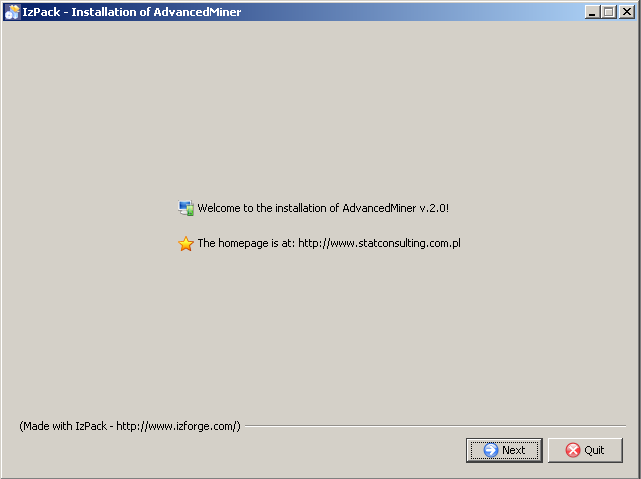
Just click 'Next' and accept the license agreement:

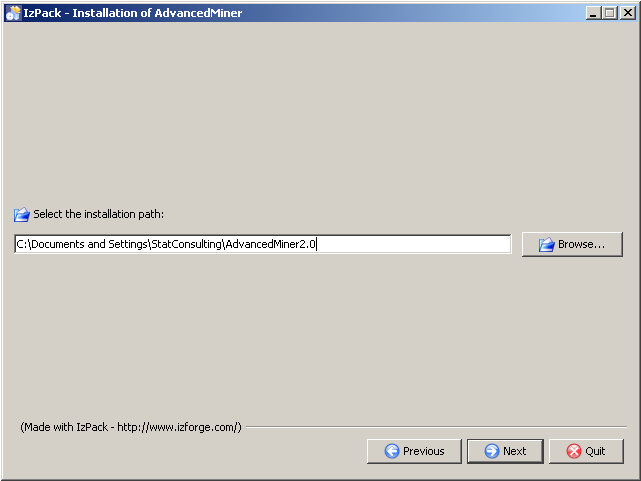
Click 'Next', and select the target directory for AdvancedMiner installation
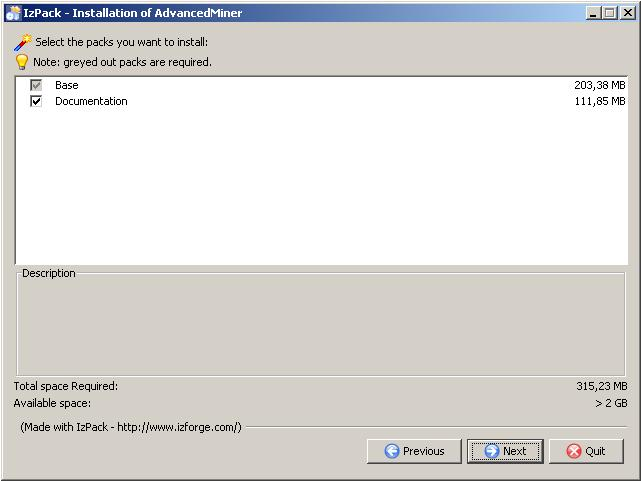
Select the packages you want to install:
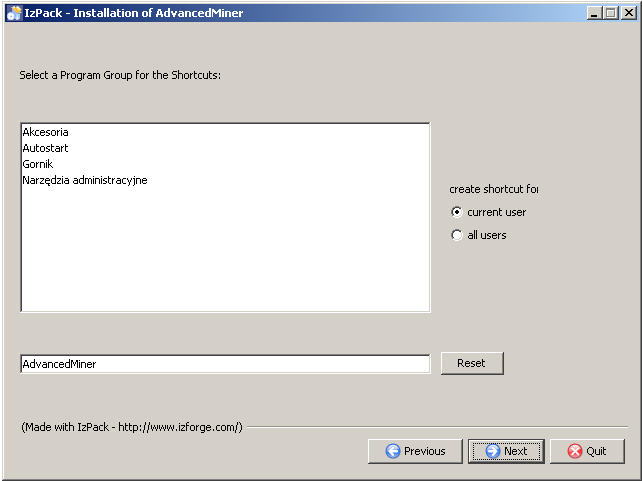
Select the Program Group for the Start Menu shortcuts:
Figure 1.5. Instalation of the AdvancedMiner System, selecting the Program Group for Start Menu shortcuts
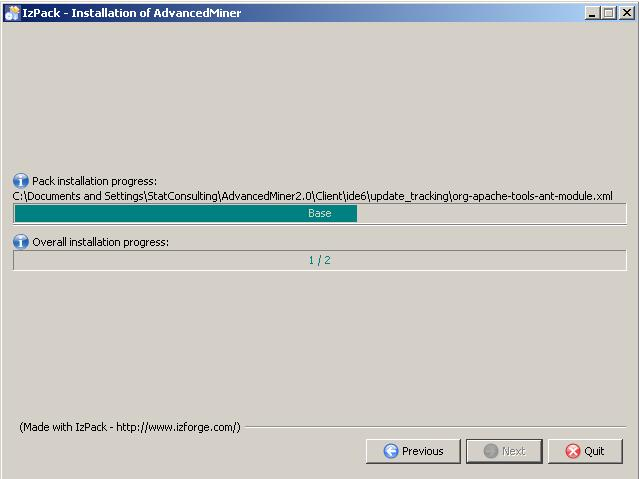
Confirm by clicking 'Next' to start the instalation process :
Click 'Next' and decide if you want to install and run AdvancedMiner components as services
Figure 1.7. The installation of the Advanced Miner System, selecting the components to run as Windows services
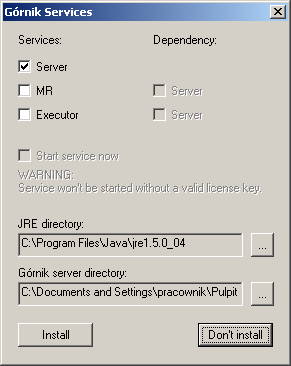
It is a possible to install AdvancedMiner Server on Windows as a service (there actually are several services for different AdvancedMiner components). To install AdvancedMiner as a service administrator privileges are required. The Windows service can also be installed later by running ServiceInstaller.exe located in the Server directory. During the AdvancedMiner uninstallation, if the service was installed it will also be uninstalled, so again administrator privileges are required.
During the installation of the Windows service it is possible to install 3 different services:
Server: This is the main AdvancedMiner server. It is required to use Advanced-Miner Server; it has the ability to store user's objects (metadata repository built-in). The main server can also execute tasks, so if a server is to be run on a single machine, the Executor service does not have to be installed.
MR: Stores the user's objects. It requires the main server to be run before it. Thus, if Server is run on the same machine as MR, MR should list the Server in its dependencies.
Executor: Executes tasks (tasks perform most of the calculations). It requires the main server to be run before it. If the Server is run on the same machine as the Executor, this service should list the Server in its dependencies. If there are no other executors on different computers, the Executor does not have to be installed, since the main Server can perform all the calculations.
If the JRE or AdvancedMiner server directory is not detected automatically it should be specified manually.
Note
The services can be uninstalled without uninstalling the whole AdvancedMiner Server. In order to do this, the following command should be executed from the AdvancedMiner Server directory:
ServiceInstaller.exe uninstall
To continue with AdvancedMiner installation click 'Next' in the processing window.

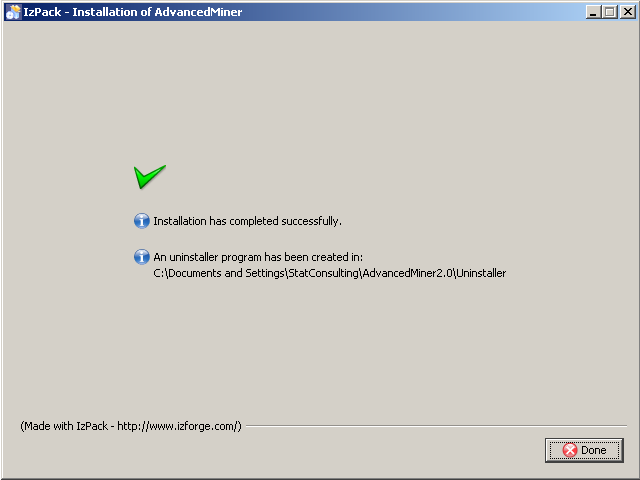
Finally, click 'Done' to finish the installation
The AdvancedMiner Server requires the license key file for each machine it is run on (go to the section "License Key").
Run "java -jar install.jar" from the shell. The installer application will be launched and install AdvancedMiner. If JRE is not found, check whether it is installed and/or adjust the PATH variable appropriately.
On Linux the AdvancedMiner Server must be run with privileges to read from the device that the root directory ( / ) is installed on. It is recommended to create a separate system user with the necessary permissions, who will run the AdvancedMiner Server executable files. This note does not apply to other unix-like system such as AIX.
Note
On the Linux platform the X server has to be installed, configured and accessible.
After the installation the server will not run without a valid license key (a single key is valid only on one computer). After obtaining the key, copy it to the Server directory.
AdvancedMiner can use an external databases. JDBC drivers should be copied to the following directories:
.../AdvancedMiner/Server/modules/ext
.../AdvancedMiner/Client/platform6/lib