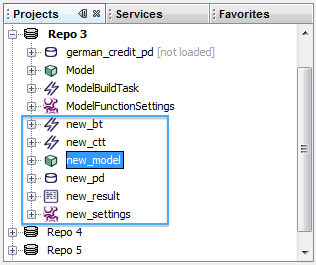
A convenient way of creating a scoring card on the basis of an existing logistic regression model is by means of a context script:
- Right-click on the icon representing the logistic regression model in the metadata repository, select from the context menu and next select from the submenu that appears.
- In the dialog box that appears select the alias for the database that you want yo use and click .
- In the next dialog box you will be asked to select an input data table (from the previously selected database), the number of intervals parameter and a name prefix for the metadata repository objects that will be created by the script. Click the button to continue.
- The script will create the necessary objects in the metadata repository and build the scoring card model.