First, run the AdvancedMiner IDE Client and Remote Server (see the AdvancedMiner Administration and Installation chapter for details). Next run the Operating Server:
Under the Linux OS (example):
miner@miner:~/AdvancedMiner/Server$./operating_server.sh --start
Under the Windows OS (example):
C:\AdvancedMiner\Server>operating_server.bat --start
Next, connect to the Remote Server (see the AdvancedMiner Administration and Installation chapter for details).
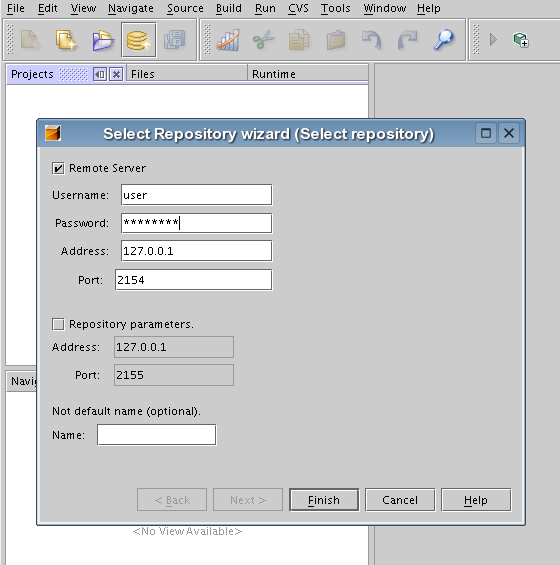
Open the Repository, fill in the proper parameters such as username, password, address and port.
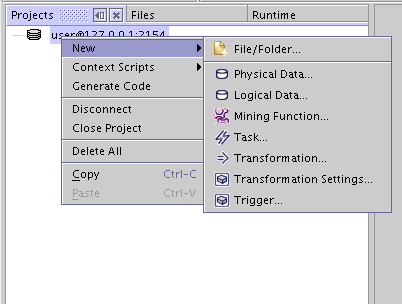
Create a new Task, choose New->Task from the context menu.
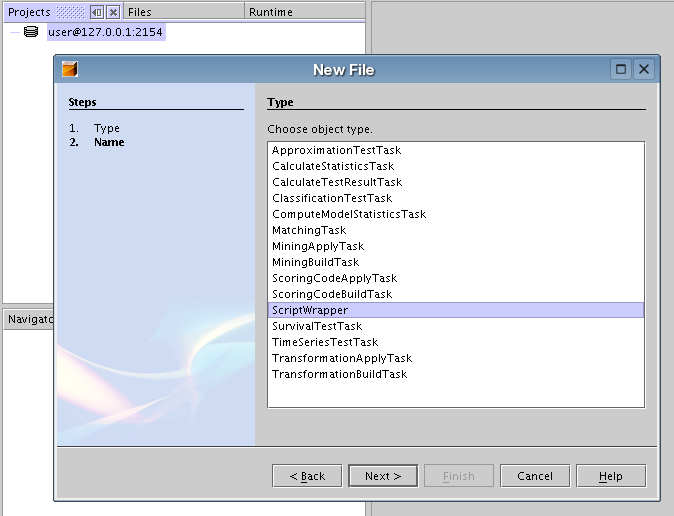
Choose ScriptWrapper as type.
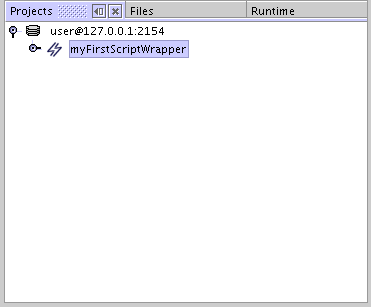

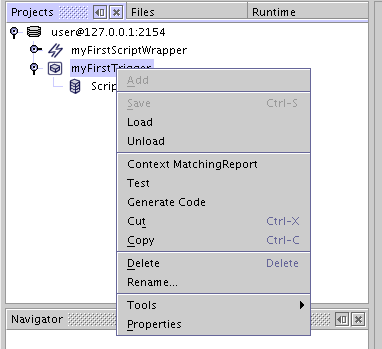
Now select the properties of the ScriptWrapper object from the context menu .

Set the ScriptWrapper content.
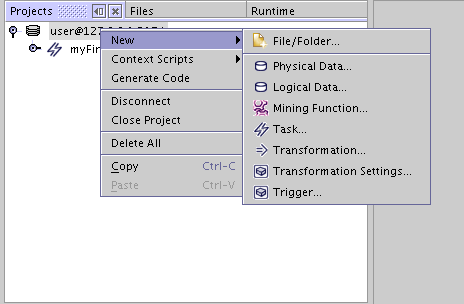
Create a new trigger to execute the previously created ScriptWrapper object.
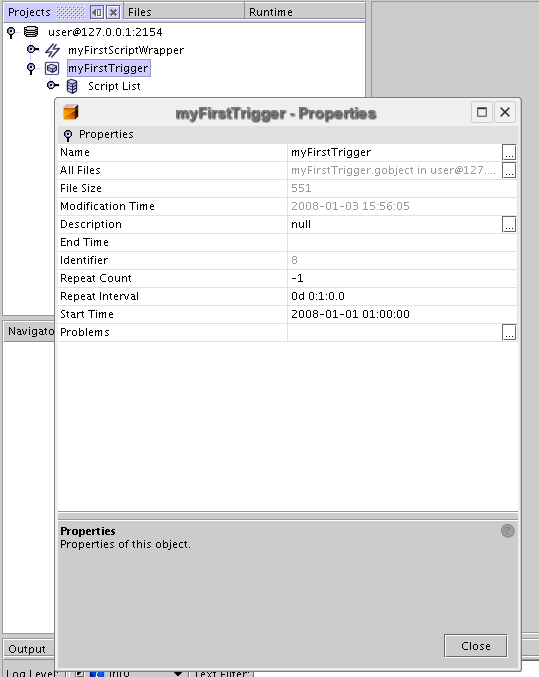
Fill in the properties of the trigger, set the start time and define the time interval.
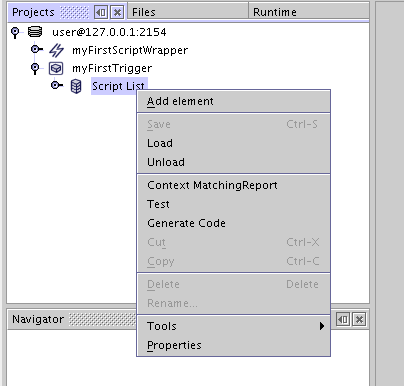
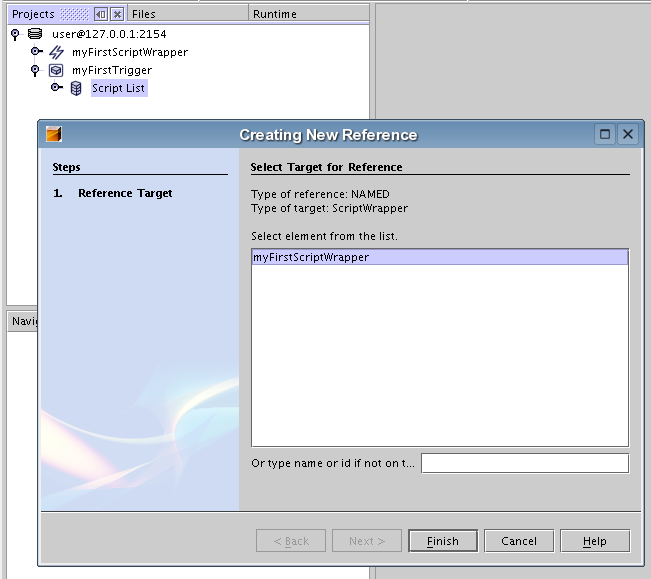
Now add the previously created ScriptWrapper objecrt to the script list of trigger.
Save the objects in the repository and see the logger for details.
